
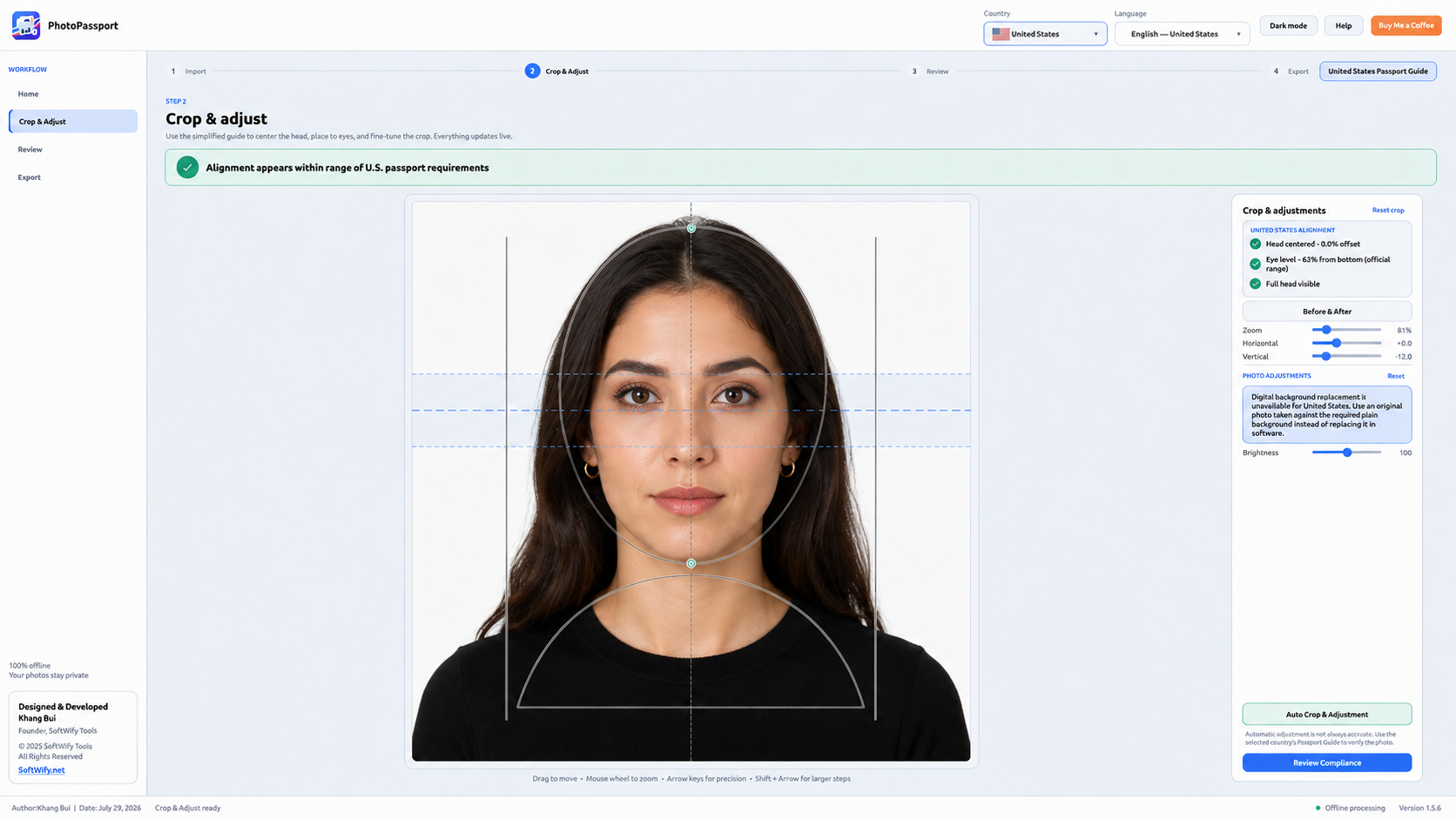
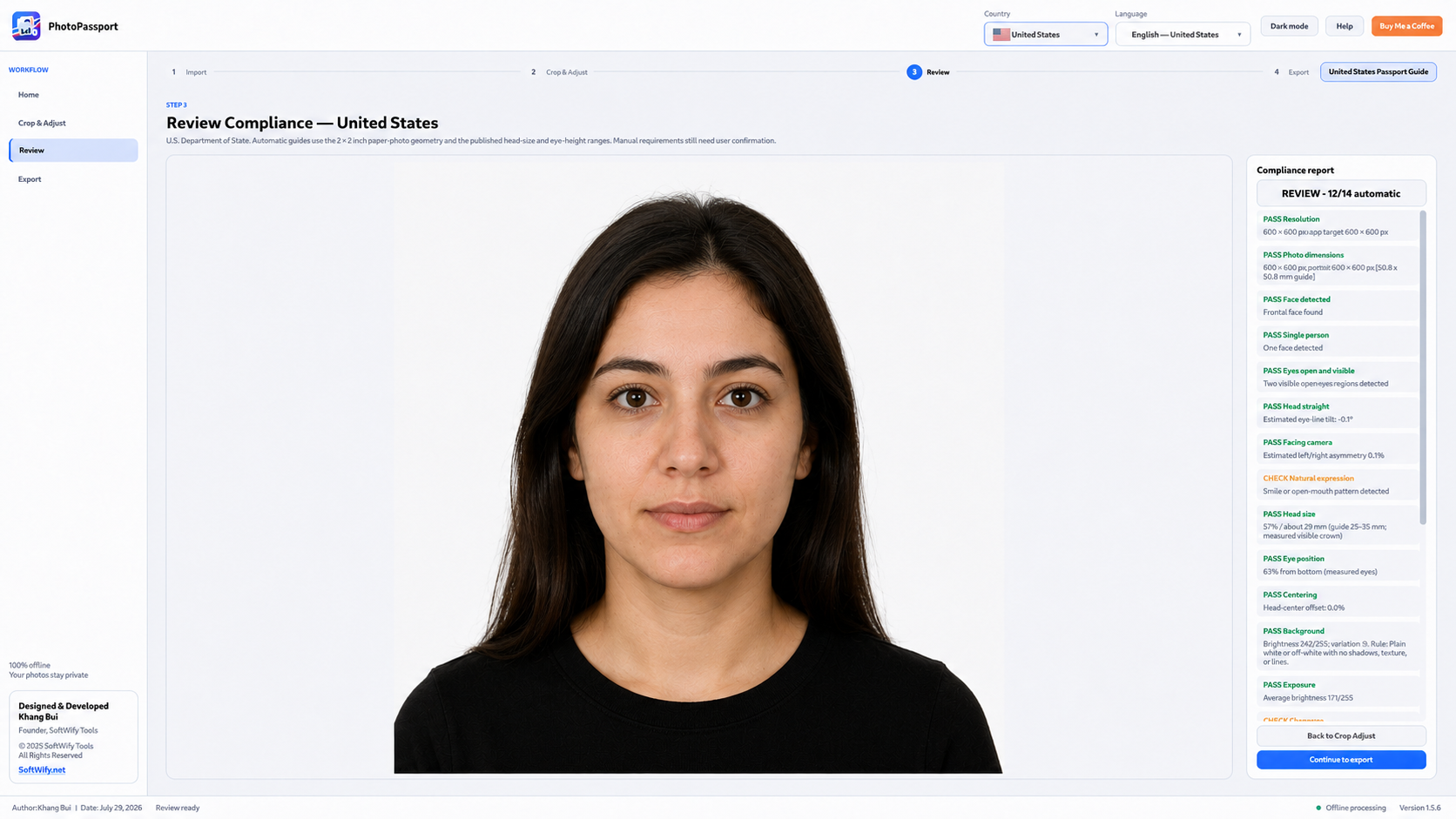
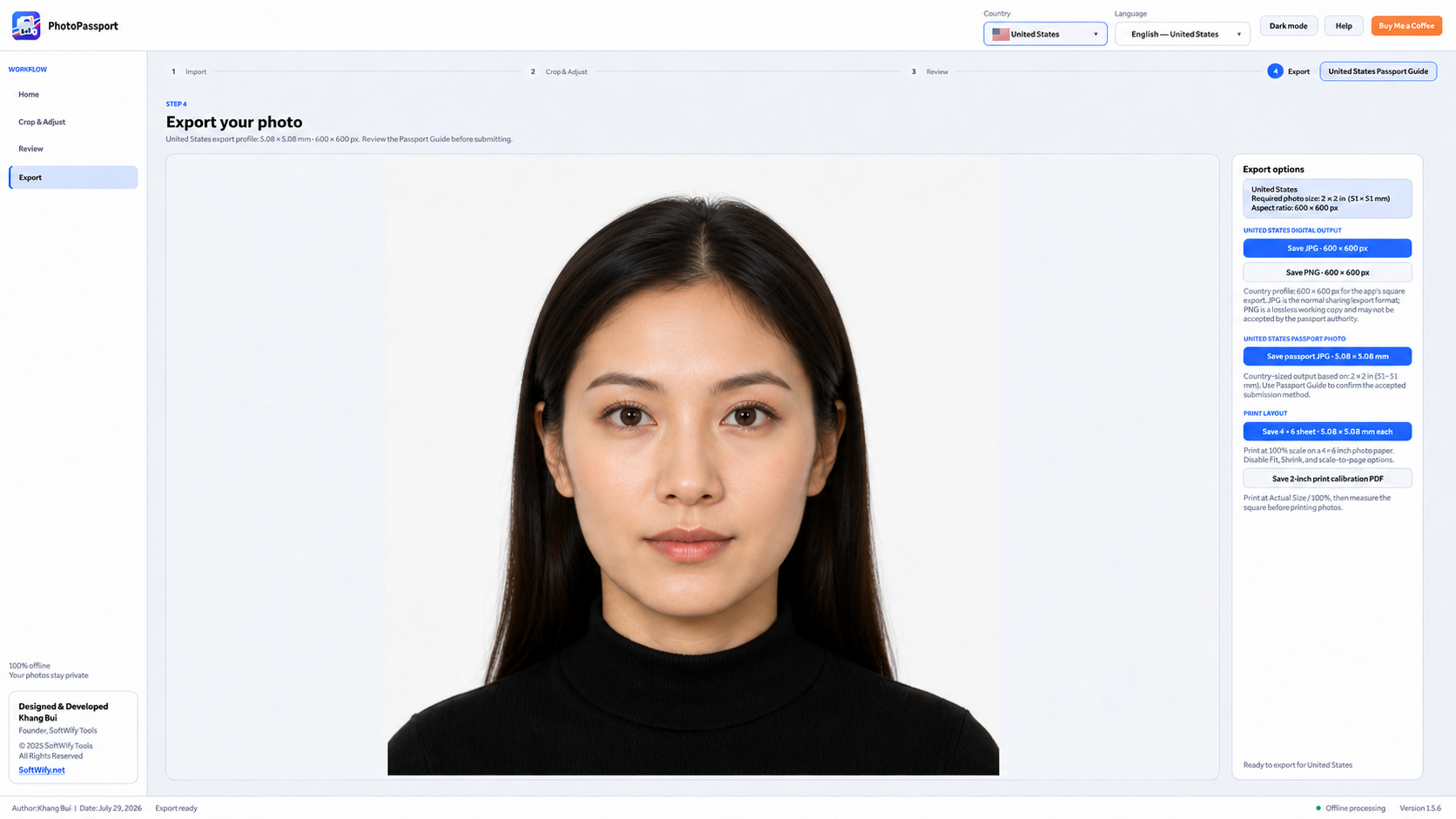
Private and offline
Imported portraits are processed locally, so your photo stays on your computer.
Private offline passport photo tool · Free software
Prepare passport photos privately on your own computer.
PhotoPassport is an offline Windows desktop app that helps you prepare applicant-supplied passport photos with country-specific guidance, review checks, and export tools—without uploading your photo.
It supports passport photo requirements for up to 47 countries and languages, making it easier to prepare photos for international applications.
Automatic adjustment and review checks may not always be accurate. Always verify the selected country’s Passport Guide and current official requirements before submitting.
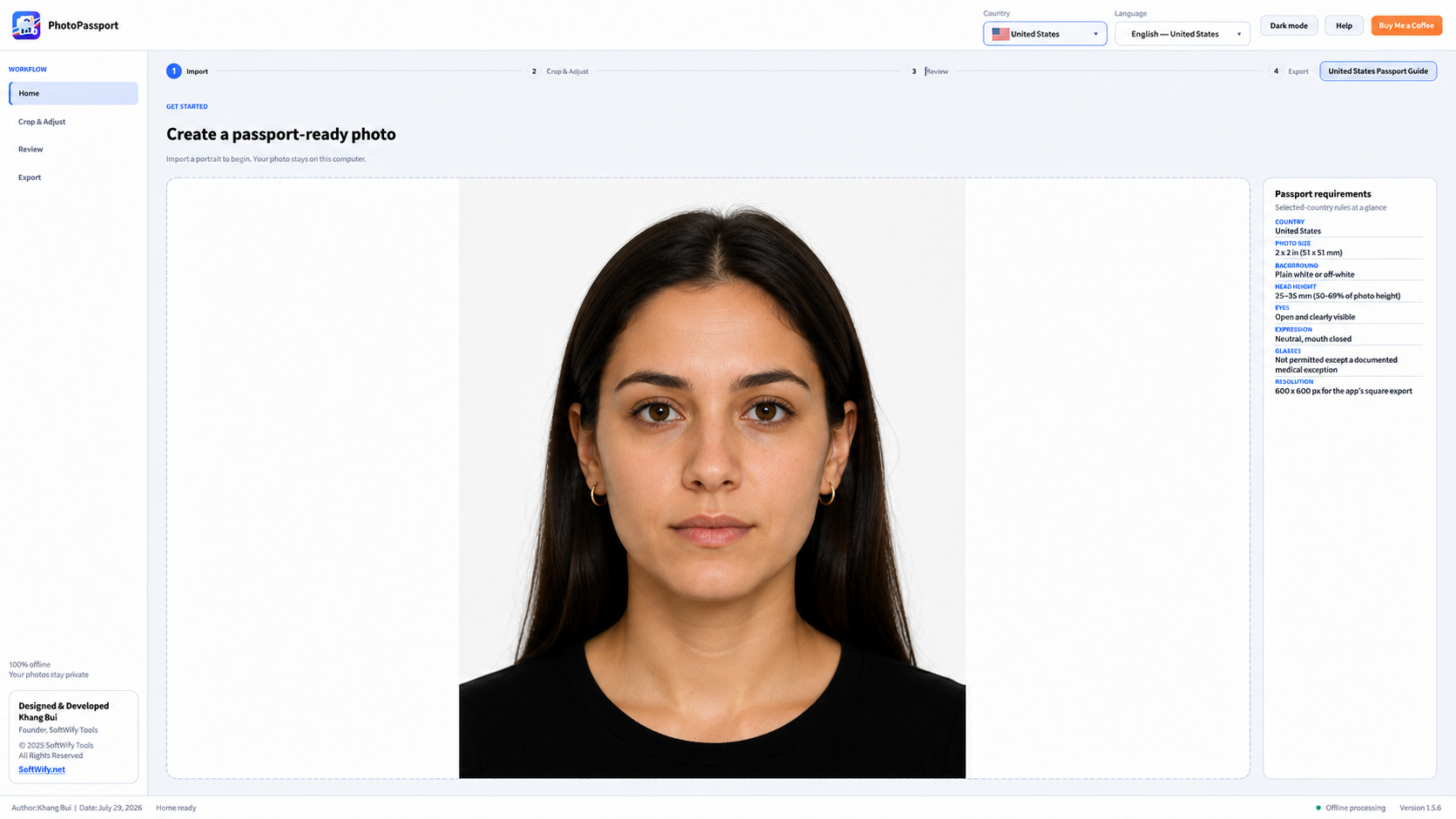 Click to enlarge
Product preview
Explore the current country, crop, review, and export workflow.
When it helps
Applicant-supplied passport photo workflows across 47 country profiles. Countries that normally require official or live photo capture are intentionally excluded from the selector.
What it does
No complicated setup and no technical knowledge needed.
Imported portraits are processed locally, so your photo stays on your computer.
Choose from 47 applicant-photo country profiles and review guidance for the country whose passport rules apply.
The interface follows the selected country and can also be changed manually using 47 mapped country and language entries.
Get a helpful estimate for crop and positioning, then review and correct the result because automatic guidance may not always be accurate.
Check dimensions, positioning, background, exposure, sharpness, head tilt, eyes, and expression before export.
Save digital files and print-ready outputs supported by the selected country profile. Digital background replacement appears only where that workflow is currently allowed.
How it works
Select the issuing country and confirm the language.
Import a clear, front-facing portrait.
Crop and adjust manually or use Auto Crop & Adjustment.
Review the automated guidance and correct the result when needed.
Export the output that matches the selected country profile.
Confirm the final result against the selected Passport Guide and current official requirements before submitting.
Current availability
PhotoPassport processes imported portraits locally on your computer. It helps with dimensions, crop geometry, and common quality checks, but it cannot guarantee government acceptance. Requirements can change, so always verify the selected Passport Guide and current official instructions.
Frequently asked questions
No. It provides guidance only. Final acceptance is decided by the issuing authority.
No. The desktop app is designed to process photos locally and offline.
The app focuses on applicant-supplied photo workflows. Countries that normally require official or live capture are intentionally excluded.
No. It is a helpful starting point, but you should still review the result and verify the selected Passport Guide.
Only for country workflows where that process is currently allowed.