Back to free tools

CSV & Excel utility · Free software
File Splitter
Turn oversized spreadsheets into smaller files that are easier to open, share, and process.
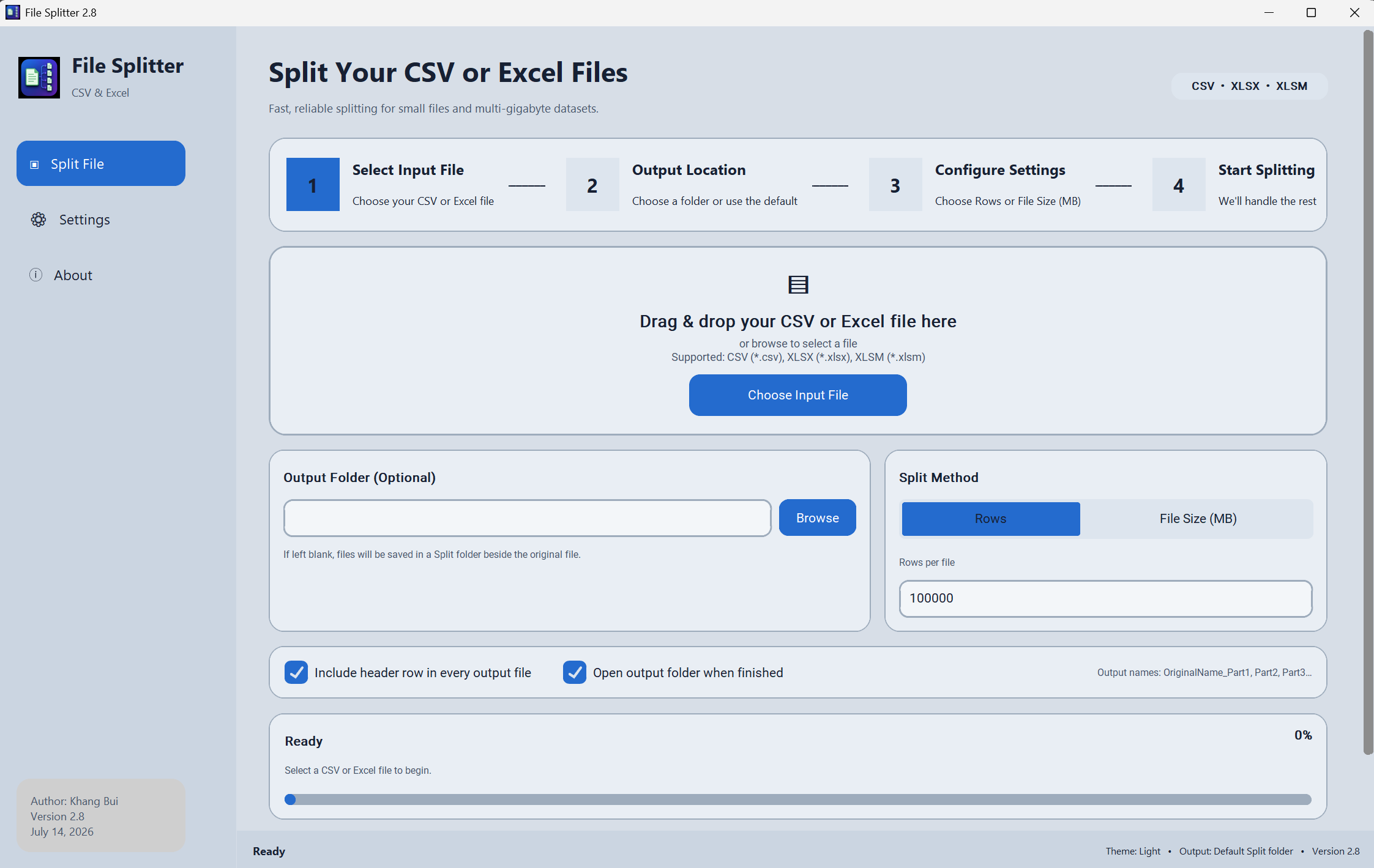
File Splitter v2.8 is a Windows desktop app for dividing CSV, XLSX, and XLSM files into smaller parts. Choose a file, select an output folder, split by rows or target size in megabytes, and follow live progress without freezing the interface.
Made forWindowsDownload
 Click to enlarge
How it works
Three simple steps.
- 1
Choose or drag in a CSV, XLSX, or XLSM file and select an optional output folder.
- 2
Choose Rows or File Size, enter the amount, and decide whether every part should include the header row.
- 3
Start splitting, watch the live progress, then open the output folder when the new files are ready.
Current availability
File Splitter is a portfolio project.
This page introduces the tool and its features.